
Introduction Cloud
Step-by-step guide for running osmedeus cloud on Hetzner Cloud servers. Hetzner offers the lowest cost per instance among all supported providers, making it ideal for high-volume scanning.

Prerequisites

Get Your API Token

  1. Go to Hetzner Cloud Console > select your project (or create one)
  2. Security > API Tokens > Generate API Token
  3. Set permissions to Read & Write
  4. Copy the token (shown only once)
You can also store it as an environment variable:
export HETZNER_API_TOKEN="your-token-here"

Configuration

Minimal Setup

# Enable cloud feature
osmedeus config set cloud.enabled true

# Credentials
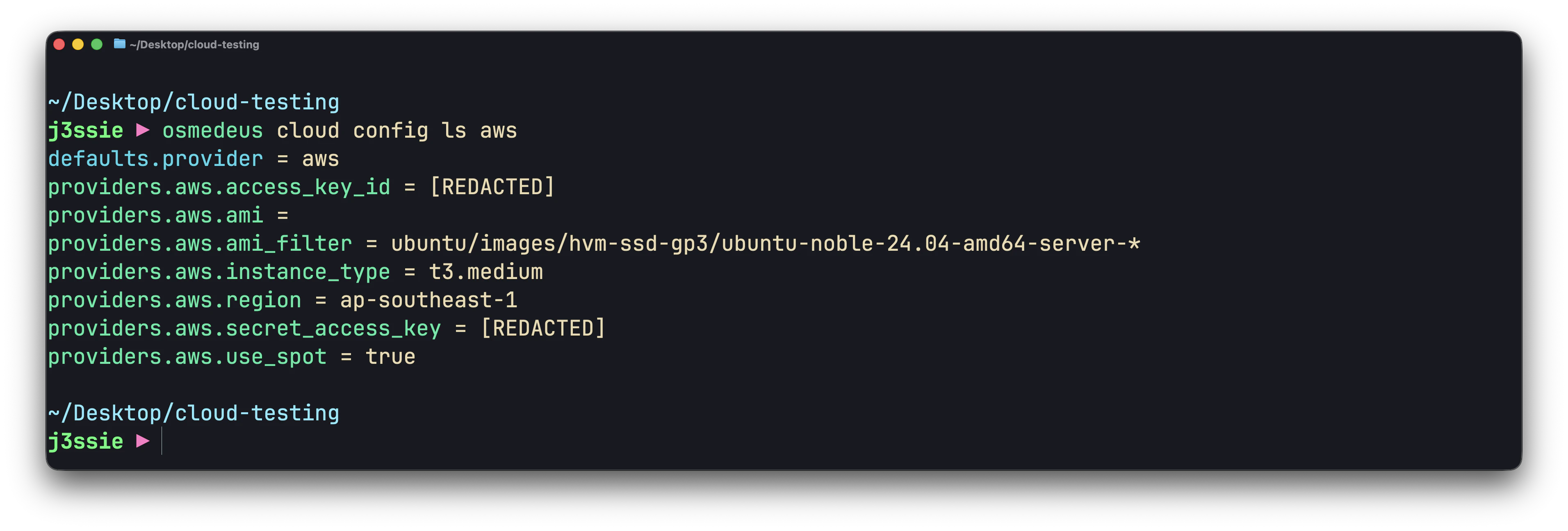
osmedeus cloud config set providers.hetzner.token ${HETZNER_API_TOKEN}
osmedeus cloud config set providers.hetzner.location hel1
osmedeus cloud config set providers.hetzner.server_type "cx23"  # 2 vCPU, 4GB RAM (current generation)
osmedeus cloud config set defaults.provider hetzner

# SSH
osmedeus cloud config set ssh.private_key_path ~/.ssh/id_rsa
osmedeus cloud config set ssh.public_key_path ~/.ssh/id_rsa.pub
osmedeus cloud config set ssh.user root

# Clean the setup scripts first
osmedeus cloud config set setup.commands.clear ""

# Worker setup
osmedeus cloud config set setup.commands.add "sudo apt-get update"
osmedeus cloud config set setup.commands.add "sudo apt-get install -y -qq curl git tmux unzip jq rsync"
osmedeus cloud config set setup.commands.add "curl -fsSL https://www.osmedeus.org/install.sh | bash"
osmedeus cloud config set setup.commands.add "osmedeus install base --preset"

Server Types

Hetzner’s pricing is significantly cheaper than other providers:
Server TypevCPURAMDisk$/hr$/monthBest For
cx2224 GB40 GB~$0.007~$4.50Light scans, single targets
cx3248 GB80 GB~$0.013~$8.50General scanning
cx42816 GB160 GB~$0.025~$16.50Heavy scans, parallel tools
cx521632 GB320 GB~$0.050~$33.00Large-scale operations
cpx2134 GB80 GB~$0.008~$5.50CPU-optimized scanning
cpx3148 GB160 GB~$0.015~$10.00CPU-optimized, more RAM
osmedeus cloud config set providers.hetzner.server_type cx32

Locations

LocationCodeRegion
Falkensteinfsn1Germany
Nurembergnbg1Germany
Helsinkihel1Finland
AshburnashUS East
HillsborohilUS West
SingaporesinAsia
osmedeus cloud config set providers.hetzner.location fsn1

Custom Image

Use a pre-built snapshot for faster boot:
# After setting up a server manually with all tools:
# Hetzner Console > Servers > your-server > Snapshots > Create Snapshot
# Note the snapshot ID

osmedeus cloud config set providers.hetzner.image 12345678

SSH Key (optional)

If you have an SSH key registered in Hetzner Cloud:
# Hetzner Console > Security > SSH Keys > note the key name
osmedeus cloud config set providers.hetzner.ssh_key_name my-key-name

Cost Limits

osmedeus cloud config set limits.max_hourly_spend 0.50
osmedeus cloud config set limits.max_total_spend 5.00
osmedeus cloud config set limits.max_instances 20

Examples

Quick Domain Recon

osmedeus cloud run -f fast -t example.com --auto-destroy
Cost: ~$0.007 (1 x cx22 x 1 hour) — less than a penny.

Budget Bulk Scanning

Hetzner’s low prices make it perfect for scanning many targets:
# 20 workers scanning 200 targets for ~$0.28
osmedeus cloud run \
  -f fast -T targets.txt --instances 20 \
  --sync-back --auto-destroy
Cost: 20 x 0.007x2hours=0.007 x 2 hours = **0.28**

Custom Command Pipeline

osmedeus cloud run \
  --custom-cmd "subfinder -d {{Target}} -o /tmp/osm-custom/subs.txt" \
  --custom-cmd "cat /tmp/osm-custom/subs.txt | httpx -o /tmp/osm-custom/live.txt" \
  --custom-cmd "cat /tmp/osm-custom/live.txt | nuclei -o /tmp/osm-custom/nuclei.txt" \
  --sync-path "/tmp/osm-custom/" \
  -t example.com --auto-destroy
Cost: ~$0.007

Distributed Nuclei at Scale

# Split 10,000 URLs across 10 Hetzner workers
osmedeus cloud run \
  --custom-cmd "cat {{Target}} | nuclei -o /tmp/osm-custom/results.txt" \
  --sync-path "/tmp/osm-custom/results.txt" \
  --sync-dest "./nuclei-hetzner" \
  -T urls.txt --instances 10 --auto-destroy
Cost: 10 x 0.007x1hour=0.007 x 1 hour = **0.07**

Port Scanning

# Use a bigger instance for masscan (needs more resources)
osmedeus cloud config set providers.hetzner.server_type cx32

osmedeus cloud run \
  --custom-cmd "masscan {{Target}} -p1-65535 --rate 10000 -oG /tmp/osm-custom/masscan.txt" \
  --custom-cmd "cat /tmp/osm-custom/masscan.txt | grep 'Host:' | awk '{print \$2\":\" \$5}' | sed 's|/.*||' > /tmp/osm-custom/open-ports.txt" \
  --sync-path "/tmp/osm-custom/" \
  -t 203.0.113.0/24 --auto-destroy

Persistent Low-Cost Lab

# Create 5 workers and keep them running all day
osmedeus cloud create --provider hetzner -n 5

# Run multiple scans throughout the day
osmedeus cloud run -f fast -t target1.com --reuse
osmedeus cloud run --custom-cmd "nmap -sV {{Target}}" -t target2.com --reuse
osmedeus cloud run -f general -T targets.txt --reuse

# Destroy at end of day
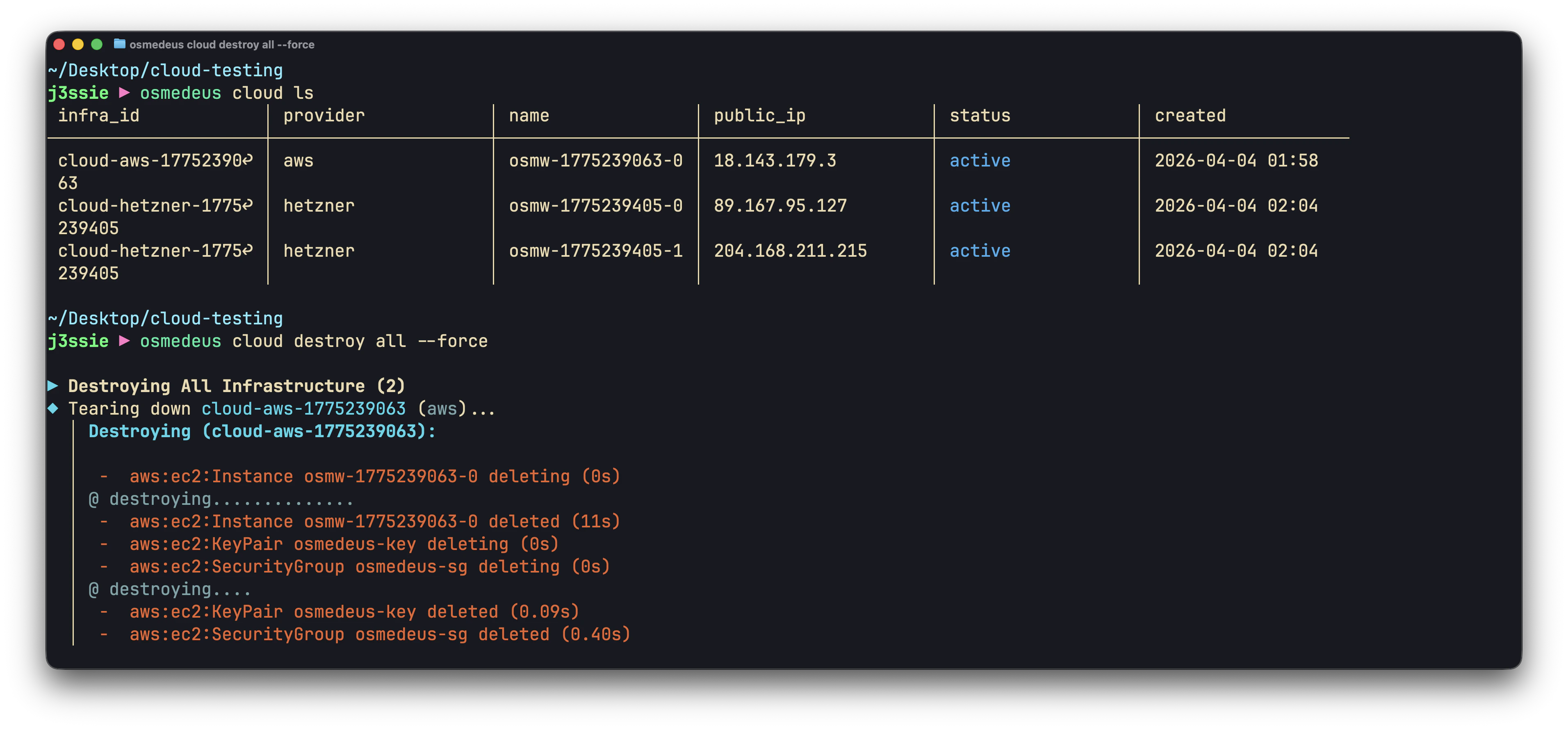
osmedeus cloud destroy all --force
Cost: 5 x 0.007x8hours=0.007 x 8 hours = **0.28** for a full day of scanning on 5 machines.

EU-Based Scanning

Hetzner’s European locations are useful when you need scans originating from EU IP space:
# Use German datacenter
osmedeus cloud config set providers.hetzner.location fsn1
osmedeus cloud run -f fast -t eu-target.com --auto-destroy

# Use Finnish datacenter
osmedeus cloud config set providers.hetzner.location hel1
osmedeus cloud run -f fast -t nordic-target.com --auto-destroy

High-Performance with cx42

# Use 8 vCPU / 16 GB RAM instance for heavy parallel scanning
osmedeus cloud config set providers.hetzner.server_type cx42

osmedeus cloud run \
  --custom-cmd "subfinder -d {{Target}} -all -o /tmp/osm-custom/subs.txt" \
  --custom-cmd "cat /tmp/osm-custom/subs.txt | httpx -td -threads 200 -o /tmp/osm-custom/live.txt" \
  --custom-cmd "cat /tmp/osm-custom/live.txt | nuclei -c 100 -o /tmp/osm-custom/nuclei.txt" \
  --custom-cmd "cat /tmp/osm-custom/live.txt | katana -d 3 -jc -o /tmp/osm-custom/crawl.txt" \
  --sync-path "/tmp/osm-custom/" \
  -t example.com --auto-destroy
Cost: ~$0.025 per hour

Cost Comparison

Why Hetzner is the cheapest option for bulk scanning:
ScenarioHetzner (cx22)DigitalOcean (s-2vcpu-4gb)AWS (t3.medium)
1 instance x 1 hour$0.007$0.022$0.042
5 instances x 2 hours$0.07$0.22$0.42
10 instances x 4 hours$0.28$0.89$1.66
20 instances x 8 hours$1.12$3.57$6.66
Hetzner is ~3x cheaper than DigitalOcean and ~6x cheaper than AWS for equivalent specs.

Troubleshooting

”Unauthorized” Error

Your API token is invalid or expired. Generate a new one in the Hetzner Cloud Console.
osmedeus cloud config set providers.hetzner.token <new-token>

Server Type Not Available

Some server types may not be available in all locations. Try a different location:
osmedeus cloud config set providers.hetzner.location nbg1

SSH Connection Issues

Hetzner servers default to root user:
osmedeus cloud config set ssh.user root
Verify your SSH key is correctly configured:
osmedeus cloud run --custom-cmd "whoami" -t test --verbose-setup

Rate Limiting

Hetzner’s API has rate limits. If creating many instances at once, you may hit them. Space out creation or contact Hetzner support to increase limits.

Cleaning Up

# List all infrastructure
osmedeus cloud list

# Destroy specific
osmedeus cloud destroy <infra-id>

# Destroy everything
osmedeus cloud destroy all --force

# If out of sync, check Hetzner Console directly:
# Console > Servers > look for osmedeus-prefixed servers

Best Practices

  1. Use cx22 as default — 2 vCPU / 4 GB is enough for most scans at $0.007/hr
  2. Scale horizontally — 10 x cx22 is cheaper and faster than 1 x cx52 for parallelizable workloads
  3. Always --auto-destroy — even at $0.007/hr, forgotten instances add up
  4. Use European locations (fsn1, nbg1) for lowest latency to Hetzner’s network
  5. Pre-build snapshots for frequently-used tool configurations to skip setup time
  6. Set modest cost limits — even $5.00 max_total_spend goes a long way at Hetzner pricing